Introduction
Samsung’s foldable phones have revolutionized the mobile market by offering a blend of innovation and functionality. These devices promise expansive screens without compromising portability. However, with groundbreaking technology come specific challenges. In 2024, as more users adopt foldable devices, it’s crucial to acknowledge and address common issues associated with Samsung’s fold lineup. This guide aims to explore these concerns and offer solutions.
Design and Durability Challenges
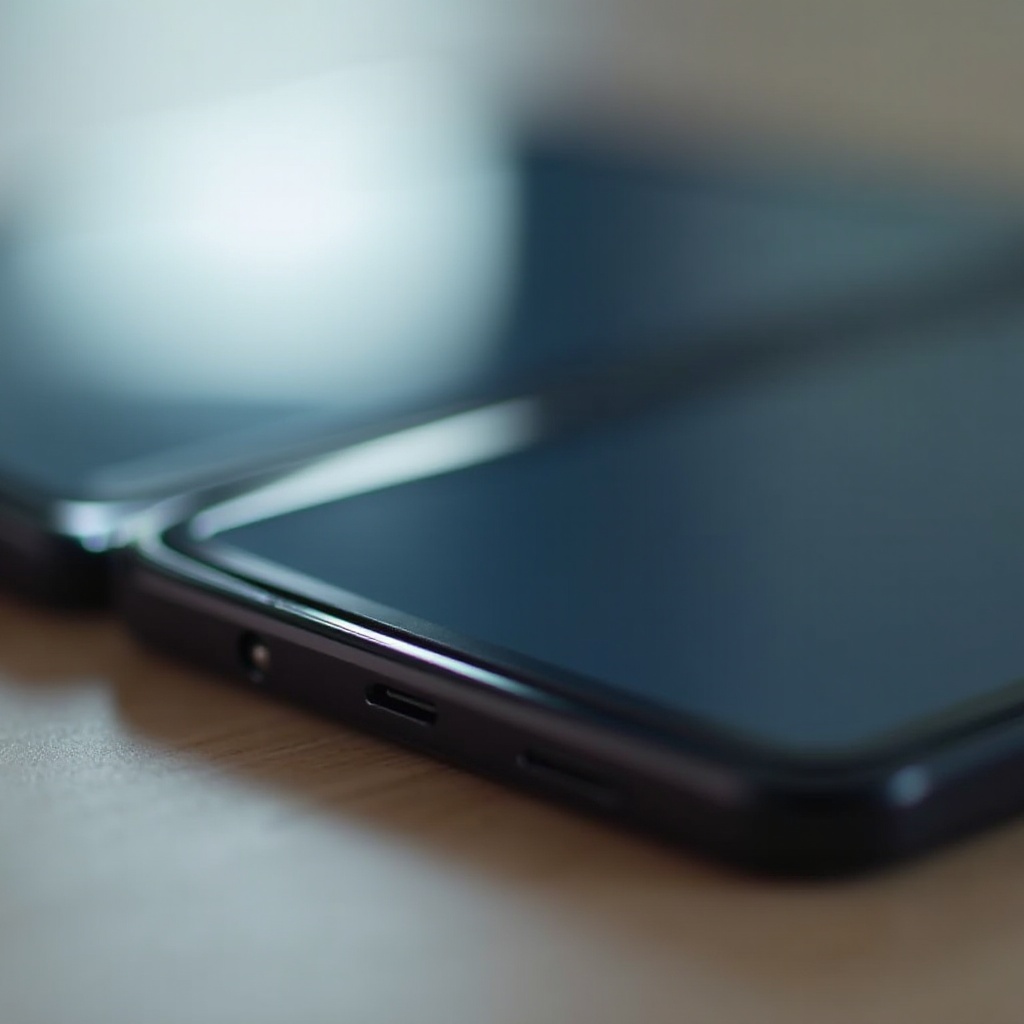
At the heart of foldable phones lies their unique design. This appeal, however, is coupled with specific durability concerns that users often face.
Screen Fragility
While designed to be robust, the foldable screens of Samsung devices are reported to have issues such as cracking and creasing, especially along the fold line. Addressing these requires preventive measures:
1. Avoid dropping the device.
2. Invest in a protective case designed for foldables.
3. Handle the device gently, particularly when folding or unfolding.
Hinge Mechanism and Maintenance
A key component of the foldable design is the hinge, allowing smooth operation. Yet, users frequently report issues here. Dust and debris can obstruct the hinge, causing stiffness. To maintain hinge functionality:
1. Regularly clean around the hinge.
2. Avoid environments prone to dust and particles.
3. Handle the device carefully while opening and closing.
Software and Performance Concerns
Beyond physical design, software performance significantly influences the user experience. Many have expressed concerns about software issues.
Operating System Bugs
Common software complaints include system crashes, freezes, and lagging performance. These may arise from the device’s complex software environment. Consider these steps for improvement:
1. Ensure your software is up-to-date.
2. Perform regular device restarts to clear temporary bugs.
3. If persistent, a factory reset might help; remember to back up data first.
App Compatibility on Foldable Screens
Foldable screens offer a unique experience, but not all applications are optimized for this format. Users often encounter issues with app display and functionality. Mitigation strategies include:
1. Use applications specifically updated for foldable screens.
2. Report issues to developers to prompt adaptations.
3. Refer to online forums for recommendations on compatible apps.
Battery Life and Charging Problems
The sophisticated features of Samsung foldables exert a demand on power systems, leading to common battery-related complaints from users.
Rapid Battery Drain
The extensive screen usage can result in quicker battery depletion. To enhance battery performance:
1. Dim screen brightness and limit screen time.
2. Always close unnecessary background apps.
3. Employ battery saver features when needed.
Charging Port and Wireless Charging Issues
Charging inconsistencies often stem from port issues or wireless misalignments. Assurance steps include:
1. Clean the charging port periodically with compressed air.
2. Use compatible and verified charging accessories.
3. Test the device on other wireless chargers if issues persist.
User Feedback and Samsung’s Response
Feedback is integral to progress. Samsung values consumer input, utilizing it to refine their products and enhance user satisfaction.
Positive User Experiences
Despite the challenges, numerous users appreciate the foldable’s functionality and unique appeal. Key to this satisfaction is proactive care and management.
Customer Support Solutions
Samsung provides robust customer support to address and resolve issues faced by foldable users. For comprehensive assistance:
1. Utilize dedicated support services and helplines.
2. Access online resources for troubleshooting advice.
3. Visit Samsung service centers for professional repairs and part replacements.
Conclusion
Samsung’s foldable phones reflect cutting-edge innovation in the mobile industry. While they present significant advancements, navigating inherent challenges is essential. Through informed use and regular maintenance, users can maintain peak device performance. Staying abreast of updates and support initiatives from Samsung ensures an optimal experience.
Frequently Asked Questions
What are the most common hardware issues with Samsung foldable phones?
Screen fragility and hinge durability are common hardware concerns for Samsung foldable phones.
How does Samsung address software compatibility problems?
Samsung regularly updates its operating system and collaborates with app developers to improve software compatibility on foldable devices.
What measures can I take to extend the lifespan of my Samsung foldable phone?
To extend your foldable phone’s lifespan, regularly clean the device, use protective gear, update software, and handle it carefully.