Introduction
Beats Studio 3 headphones offer an outstanding balance of sound clarity and advanced noise cancellation features. They utilize the state-of-the-art active noise cancellation (ANC) technology to deliver an immersive auditory experience. Yet, sometimes you need to tune back into your surroundings—whether you’re navigating busy city streets or awaiting an important announcement. Knowing how to toggle the noise cancellation feature on and off can redefine your listening experience. In this comprehensive guide, we will walk you through the simple steps required to disable noise cancellation on your Beats Studio 3 headphones and explore how this can fine-tune your audio experience.
Understanding Noise Cancellation Technology
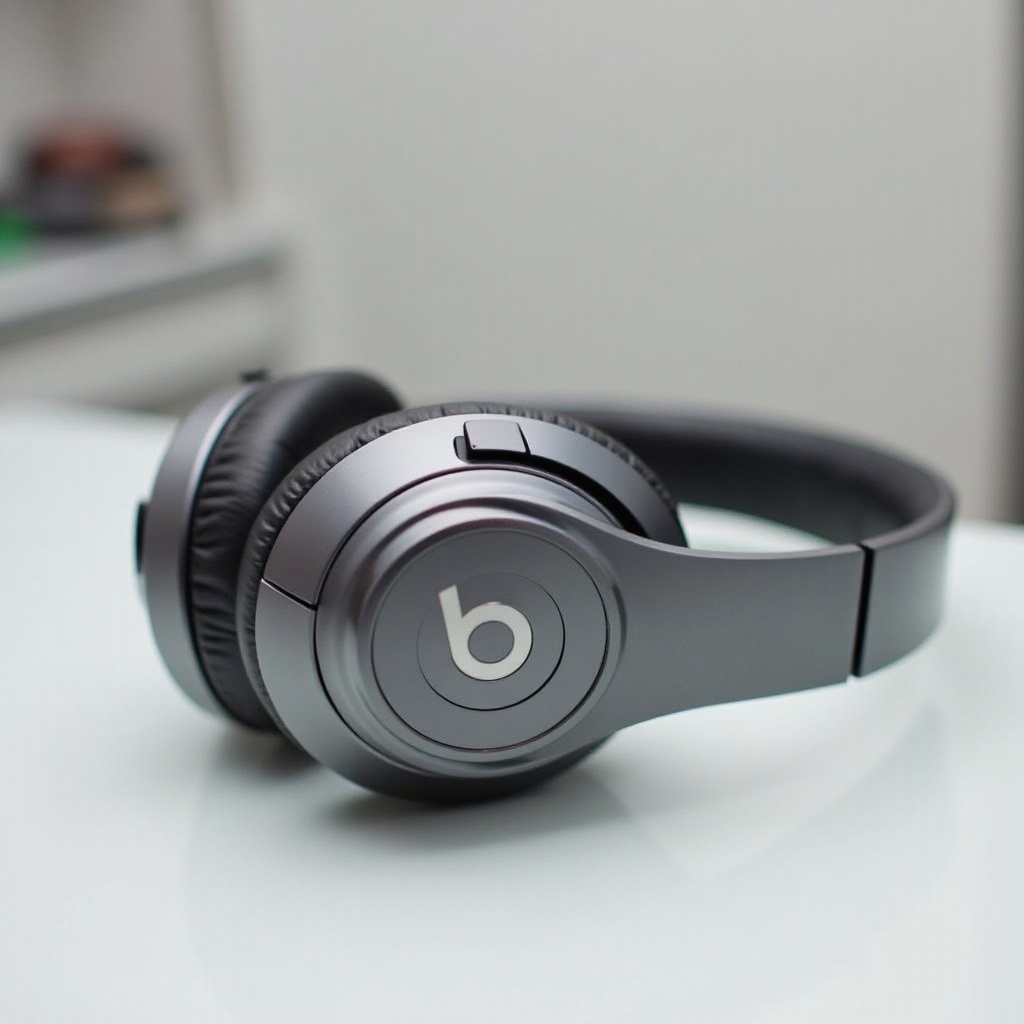
Active noise cancellation technology stands as a significant breakthrough in the headphone industry. It employs sophisticated microphones and external noise analysis to counteract ambient sounds by generating opposing sound waves. In the Beats Studio 3, ANC effectively mutes outside noise, creating a serene environment for you to enjoy your music or podcasts without interruption.
However, the constant use of ANC isn’t always necessary. Turning it off can not only help conserve battery life but may also enhance audio clarity in quieter settings by removing any processed noise. Staying aware of your environment is sometimes crucial for safety, which ANC can impede. By mastering when and how to use ANC, you can maximize the benefits of your Beats Studio 3.
Why You Might Want to Turn Off Noise Cancellation
Turning off the noise cancellation feature is essential under several circumstances. Primarily, doing so can significantly extend the battery life of your headphones, allowing you more hours of continuous listening on a single charge. The ANC technology, while powerful, is resource-intensive and tends to deplete battery reserves more quickly.
In quieter environments or situations where situational awareness is critical, deactivating ANC ensures you remain connected to the world around you. Being able to hear announcements or converse without removing your headphones is sometimes necessary, emphasizing the importance of having control over your listening capabilities. Knowing when to deactivate ANC keeps you adaptable and enhances the effectiveness of your Beats Studio 3 in varying scenarios.
Step-by-Step Guide to Turning Off Noise Cancellation on Beats Studio 3
For those unfamiliar with adjusting these settings, the following is a structured guide to help you turn off noise cancellation on your Beats Studio 3:
Using the Physical Controls on the Headphones
-
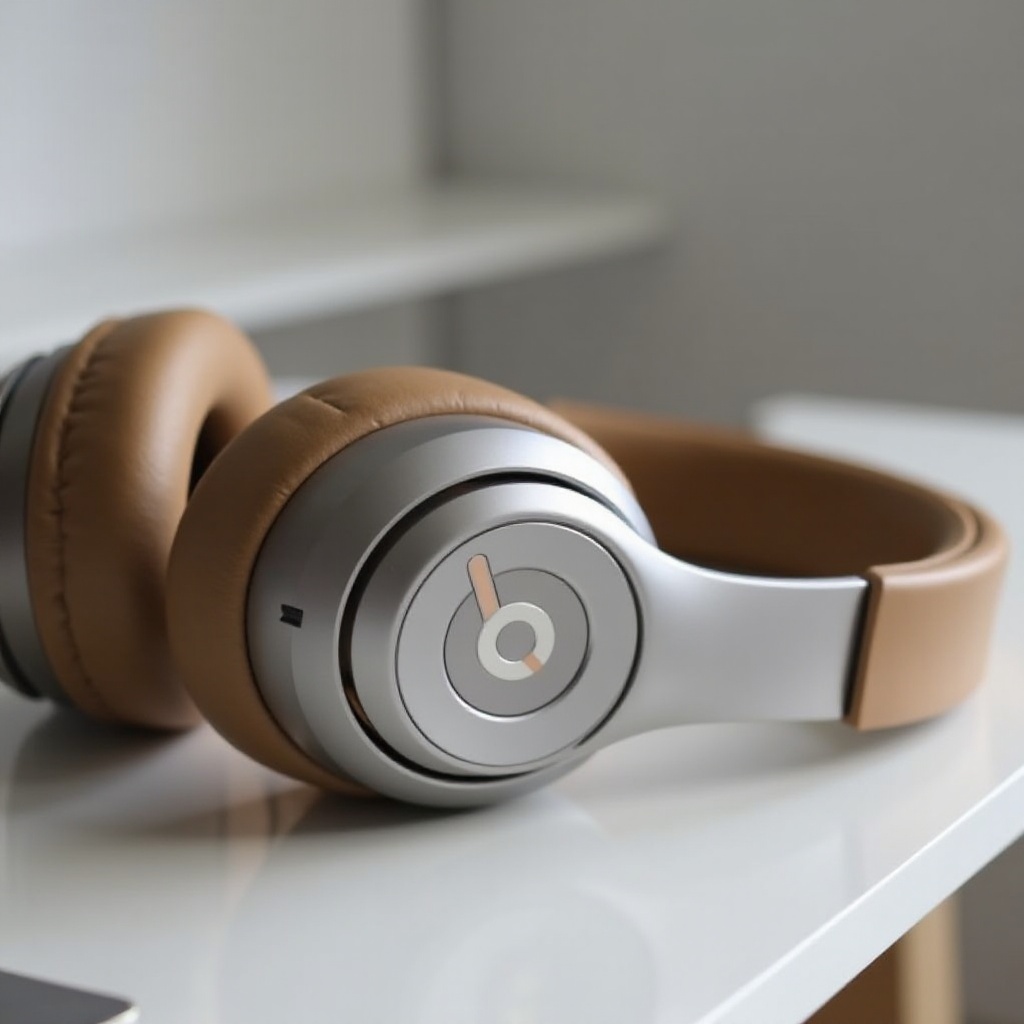
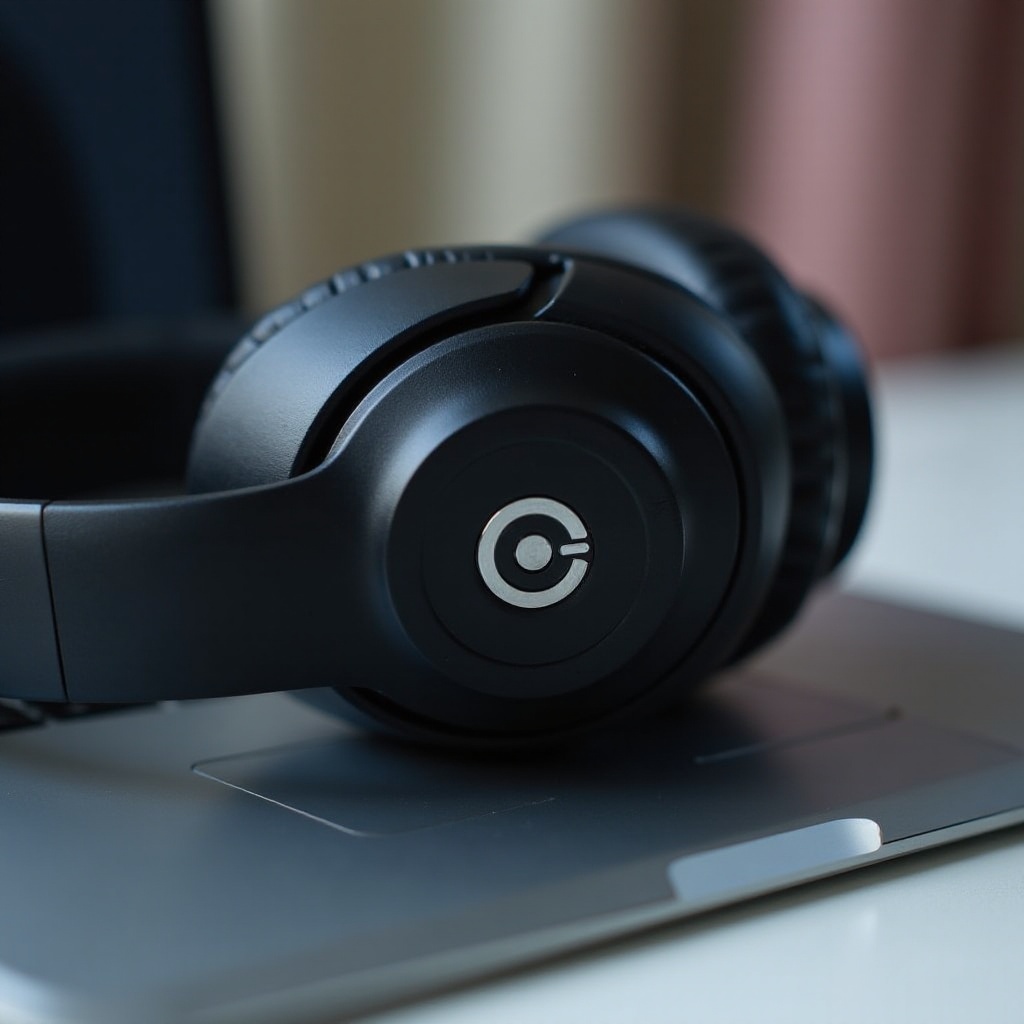
Locate the Power Button: The power button is on the left earcup of your headphones.
-
Long Press: To toggle the noise cancellation, press and hold this button until you hear a tonal cue.
-
Confirmation: A specific sound will confirm noise cancellation is deactivated.
Disabling Through the Beats App
-
Download the App: If not already installed, download the Beats app compatible with your device’s operating system.
-
Connect Your Headphones: Follow the pairing instructions to sync your Beats Studio 3 to the app.
-
Access Settings: Within the app, navigate to the settings menu.
-
Toggle Noise Cancellation: Locate the noise cancellation option and switch it off.
Troubleshooting Common Issues
Turning off noise cancellation is generally straightforward, but you may encounter these obstacles:
- Issue: ANC doesn’t toggle off.
-
Solution: Check that your headphones are charged as low power can hinder functionality.
-
Issue: App connectivity issues.
- Solution: Reset your Bluetooth connection or reinstall the Beats app to resolve glitches.
Additional Tips for Customizing Your Audio Experience
Maximizing your Beats Studio 3 isn’t just about ANC control—it’s also about overall audio customization. Keeping your headphones’ firmware up-to-date helps by introducing new features and resolving bugs present in older versions. Moreover, experimenting with equalizer settings in your music player lets you tailor the audio output based on personal preferences, whether for increased bass or a more balanced profile.
Furthermore, using different ear tips that best fit the shape and size of your ear can enhance the comfort and acoustic seal, thus reducing sound leakage and boosting audio quality. Regular maintenance practices, like cleaning, ensure your headphones have longevity and consistently perform optimally.
Comparing Beats Studio 3 with Other Noise-Cancelling Headphones of 2024
In the competitive realm of 2024’s noise-cancelling headphones, the Beats Studio 3 holds its own against giants like Sony and Bose, famous for their superior ANC capabilities. The Sony WH-1000XM5 is noted for its adjustable ambient sound modes, perfect for custom sound environments.
Bose’s QuietComfort line remains a strong contender, praised for comfort and intuitive ANC. Yet, the Beats Studio 3 distinguishes itself with its seamless integration within the Apple ecosystem and signature bass-forward sound. Understanding these elements will help you decide when comparing options, recognizing the uniqueness of Beats Studio 3 among similar products.
Conclusion
Having the ability to effortlessly control the noise cancellation on your Beats Studio 3 headphones empowers you to customize your listening experience based on your unique needs and environment. Whether for extending battery life or ensuring safety and awareness, understanding the importance and application of this feature is crucial. Armed with this knowledge, you can fully exploit the technological advantages of your headphones for a truly personalized sound experience.
Frequently Asked Questions
Can I adjust the level of noise cancellation on Beats Studio 3?
No, the Beats Studio 3 automatically manages noise cancellation levels, with no manual adjustments available for users.
Does turning off noise cancellation affect battery life?
Yes, it can prolong battery life by reducing the power required to operate ANC, allowing for extended usage times.
What should I do if the noise cancellation feature doesn’t turn off?
Ensure the headphones are adequately charged and consider rebooting your audio device, troubleshooting by resetting Bluetooth or reinstalling the app if needed.