Introduction
Choosing the right monitor size can dramatically enhance your digital experience, whether for gaming, work, or entertainment. The 32-inch monitor, a sweet spot between excessive bulk and insufficient screen space, offers numerous benefits. In this guide, we explore the essentials of the 32-inch monitor, its advantages, a few drawbacks, and the best models available in 2024. We also provide tips for optimizing your workspace to accommodate this size effectively.
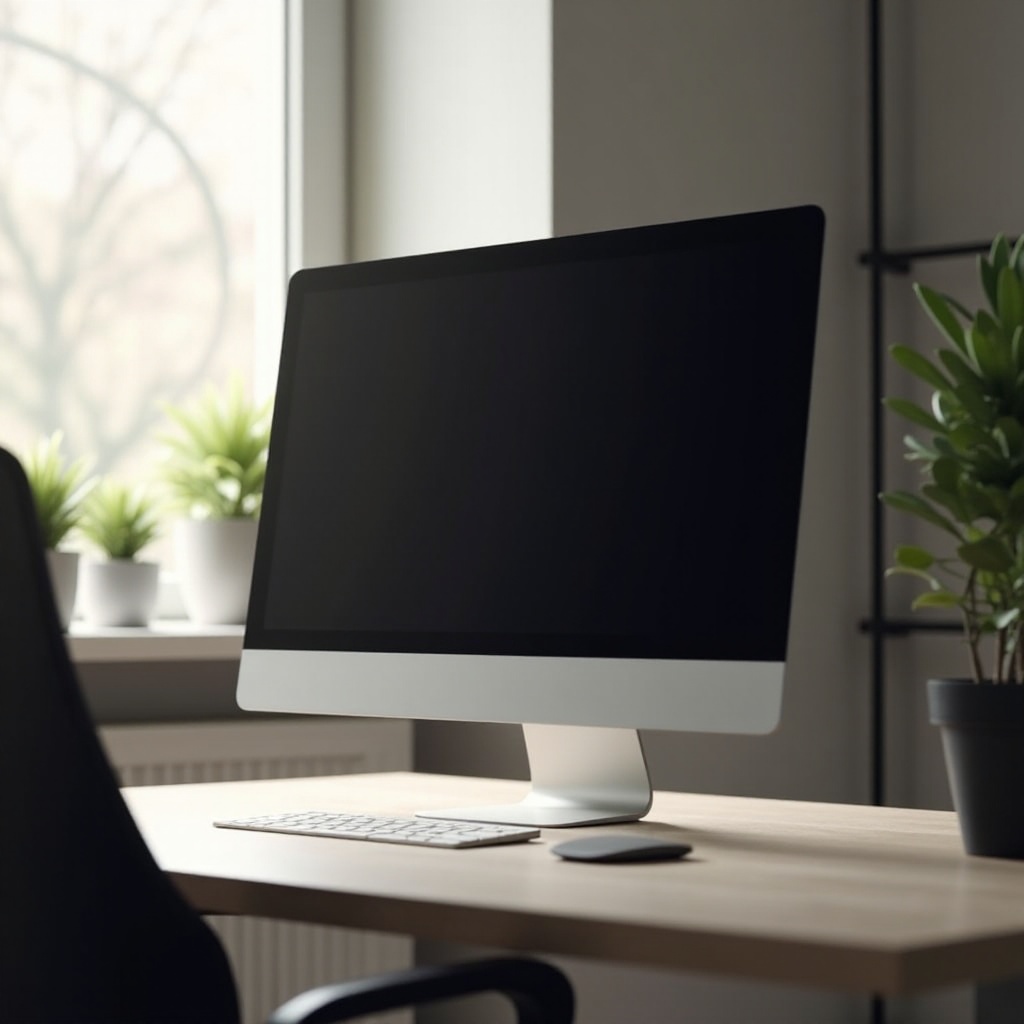
Understanding the Basics of 32-Inch Monitors
A 32-inch monitor provides a significant amount of screen real estate, making it a popular choice for many users. Here are the key aspects to consider:
- Resolution Options: The resolution impacts visual clarity. Full HD may suffice for casual use, but 4K resolution provides sharper images, ideal for professionals and gamers.
- Key Specifications: Evaluate panel types such as IPS for color accuracy, or VA for contrast. Check the monitor’s refresh rate: higher rates (120Hz and above) deliver smoother motion, essential for fast-paced gaming.
- Refresh Rates and Their Importance: Understanding refresh rates is crucial, especially if you’re a gamer. Higher refresh rates ensure smoother motion and reduce lag, providing an enhanced gaming experience.
Understanding these basics sets the stage for recognizing the advantages of this popular monitor size.
Advantages of Using a 32-Inch Monitor
The 32-inch monitor size offers myriad benefits that enhance various digital activities:
- Ideal for Multitasking and Productivity: The expanded screen space allows for multiple applications to run side-by-side, increasing efficiency and productivity. It’s particularly advantageous for professionals who juggle several tasks at once.
- Enhanced Gaming Experience: With its large display and potentially high refresh rate, gamers will find a more immersive experience. High-definition gaming visuals come to life on a screen that can handle complex graphics seamlessly.
- Immersive Viewing for Movies and Content: Watching movies or streaming content becomes a more engaging experience as the larger screen size offers better visibility and a more cinematic feel.
While the positives are compelling, it’s important to be aware of potential challenges associated with this monitor size.
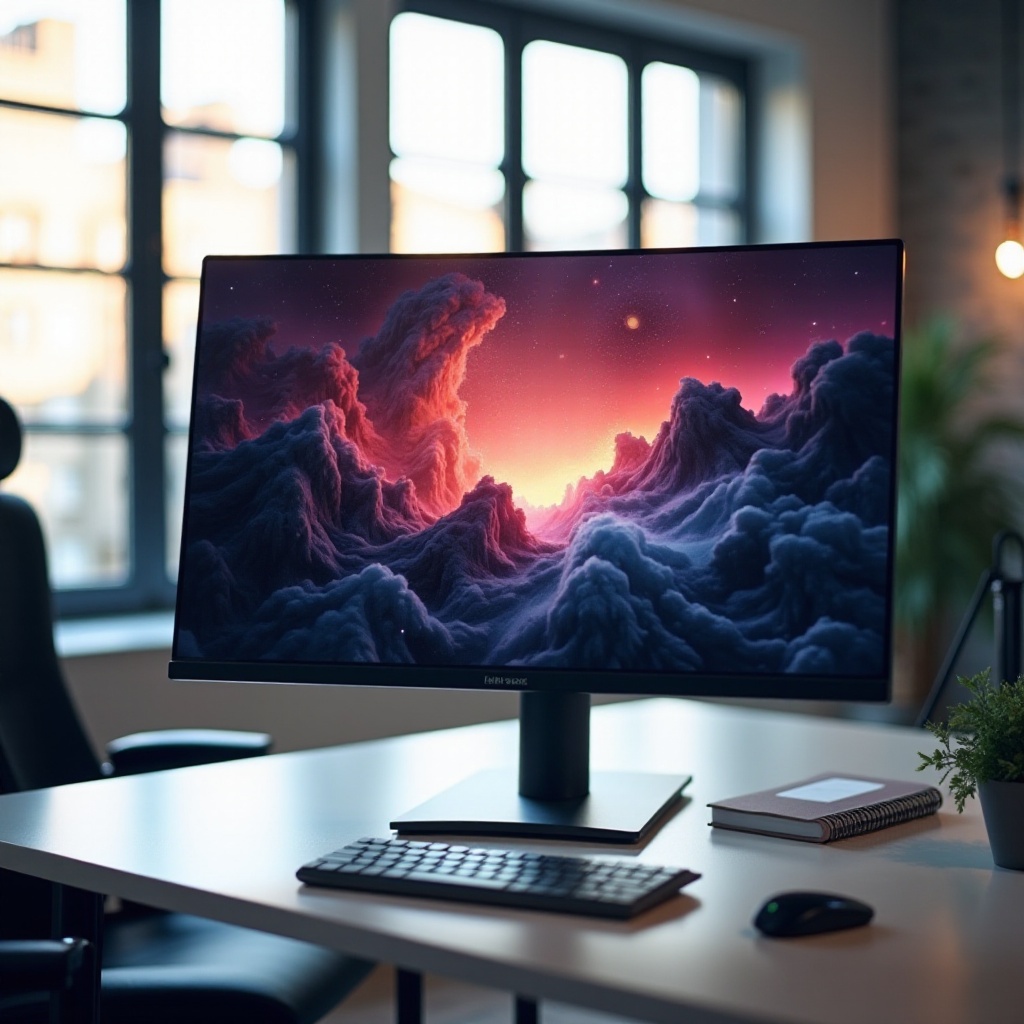
Disadvantages and Challenges
A 32-inch monitor certainly has its perks, but potential users should consider the drawbacks:
- Space and Setup Requirements: These monitors require ample desk space. Measurements of your workstation are necessary to ensure it fits comfortably.
- Potential Cost Implications: Generally, 32-inch monitors are pricier than smaller alternatives. Budget-conscious buyers should weigh the cost against the benefits.
- Finding the Right Viewing Distance: Due to its size, positioning is vital. A closer viewing distance can lead to eye strain, while too far away diminishes clarity.
Having addressed these considerations, we can now explore the top choices for this monitor size in 2024.
Top 32-Inch Monitors in 2024
Selecting the right monitor involves considering your usage needs and budget. Here are the standout monitors for 2024:
- Best for Gamers: The Asus ROG Swift PG329Q offers impressive refresh rates and stunning visuals, making it an excellent choice for gaming.
- Top Picks for Professional Use: The Dell UltraSharp U3219Q stands out with its color accuracy and high-resolution display, perfect for creative professionals.
- Budget-Friendly Options: For those seeking quality without breaking the bank, the Samsung Odyssey G5 offers a balance of performance and affordability.
Once a monitor is chosen, optimizing your workspace can enhance your overall experience.
How to Optimize Your Workspace with a 32-Inch Monitor
Creating an ergonomic and efficient workspace is crucial for getting the most out of your 32-inch monitor:
- Ergonomic Setup Tips: Position the monitor at eye level to avoid neck strain. Ensure the screen is arm’s length away, reducing eye fatigue during prolonged use.
- Accessories for Enhanced Usage: Consider investing in an adjustable monitor stand or wall mount to improve flexibility. High-quality HDMI or DisplayPort cables will ensure optimal performance.
- Cable Management Solutions: Keep your workspace tidy and organized with cable management tools, which help prevent tangles and maintain a clutter-free environment.
These steps help users maximize both comfort and efficiency when using a 32-inch monitor, paving the way for an enhanced digital experience.

Conclusion
A 32-inch monitor offers exceptional value for gamers, professionals, and entertainment enthusiasts alike. By understanding its specifications, recognizing its benefits and challenges, selecting the right model, and optimizing your workspace, you can make the most out of your investment. Embrace the advantages and navigate any challenges with confidence.
Frequently Asked Questions
Is a 32-Inch Monitor Suitable for Small Desks?
For small desks, ensure your workspace can accommodate the monitor’s width and height. A compact, adjustable stand or wall-mount can help optimize space.
Can a 32-Inch Monitor Replace Dual Monitors?
Yes, a 32-inch monitor can offer sufficient real estate for multitasking, potentially replacing dual setups. Using split-screen functions can enhance productivity.
Are 32-Inch Monitors Worth the Investment for Everyday Use?
Absolutely. Their size, combined with high resolution and multi-tasking capabilities, makes them a valuable asset for both personal and professional use.