Introduction
A TV screen that stays blank while the sound works can be incredibly frustrating and confusing. It’s a common issue encountered by many, but with a little guidance, you can often resolve it yourself. This comprehensive guide provides practical solutions to address the mystery of a blank TV screen with sound. By following the steps outlined, you will not only gain a better understanding of your television but also empower yourself to tackle various common problems related to blank screens.
Understanding the Common Causes
Before delving into the solutions, it’s crucial to understand why a TV screen may remain blank even when the sound is functioning. Several factors could be at play. Incorrect settings, faulty cables, or internal hardware malfunctions are often the usual suspects. Furthermore, external factors like a sudden power surge may selectively affect the display while leaving the sound unscathed. By identifying these potential causes, you can evaluate which aspect requires attention, thereby saving time and focusing on the most likely source of the problem.
Comprehending these causes also serves to highlight when you might need professional expertise. Recognizing the limits of personal troubleshooting can efficiently prevent unnecessary stress and expenditure.
Quick Fixes for a Blank TV Screen Issue
Once you have a grasp of the possible causes, it’s beneficial to try some quick fixes that could resolve the issue swiftly.
- Restart Your TV: Unplugging the TV, waiting for about 30 seconds, then plugging it back in can often reset minor glitches affecting the display.
- Check Remote and Settings: Ensure the TV isn’t in ‘mute’ or ‘power-saving’ mode as these can sometimes give the impression of a blank screen.
- Switch Inputs: Cycle through different input sources using your remote control. Sometimes one input could malfunction, but others might remain functional.
If these quick fixes don’t restore your screen’s display, it’s time to look deeper into the TV settings and configurations.
Inspecting TV Settings and Configurations
Exploring and adjusting your TV’s settings can frequently solve the mystery of a blank screen. Misconfigurations are a common issue that may lead to such problems.
Checking Picture and Display Modes
- Ensure your TV is not mistakenly set to an incorrect display mode like PC or HDMI1 when there is no active input.
- Check the brightness and contrast settings and tweak them if they are set too low, as this could cause the screen to appear blank even though it is technically on.
Exploring Input Sources and Connections
- Check that all HDMI and AV cables are securely attached to the proper ports and are in good condition.
- Test out different input sources such as HDMI, AV, or cable box. This can help determine if the issue is persistent across inputs or specific to one source.
When adjustments and checks on settings don’t solve the problem, consider moving on to more advanced troubleshooting methods.
Advanced Troubleshooting Techniques
Advanced troubleshooting requires a bit more technical acumen but often provides effective results when simpler solutions do not.
Testing Alternate Cables and Ports
- Try switching your current HDMI or AV cables with others that you know are working. This can rule out the possibilities of defective cables being the cause.
- Connect your TV to different ports. A faulty port may be the reason your screen is not displaying the image.
Updating TV Firmware
- Check your TV model’s support page on the manufacturer’s website for any new firmware updates.
- Follow the instructions for updating the firmware as outdated software can lead to various operational issues, including with the display.
If the screen continues to remain blank even after advanced troubleshooting, you might be confronting hardware malfunctions.
Recognizing Hardware Problems
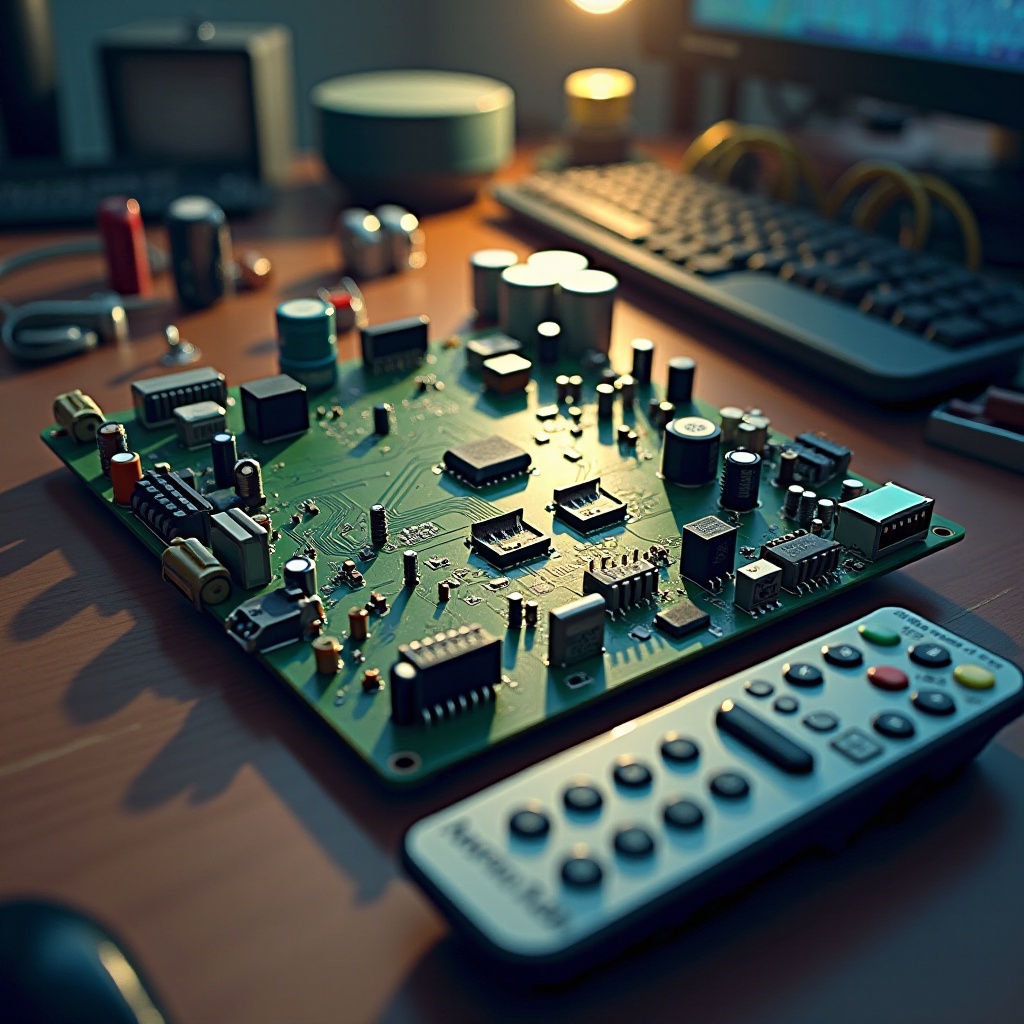
Occasionally, the problem could be deeply rooted in a hardware issue rather than software or cable problems. Physical damage, such as a faulty display panel or a malfunctioning backlight, could result in a blank screen.
Indicators of hardware issues might include visible damage like cracks or strange noises emanating from the TV. Resolving these problems generally requires professional intervention, as they involve delicate and complex components.
When to Contact a Professional Technician
If your endeavors at troubleshooting are futile, it may be time to contact a professional technician. They possess the sophisticated tools and expertise to diagnose and address intricate hardware issues efficiently.
Moreover, seeking professional help is vital if your TV is still under warranty. DIY attempts to fix the hardware might void it. Professionals ensure that sensitive parts are handled correctly, sparing you further complications.
Preventing Future Issues
To mitigate the risk of encountering a blank screen with sound in the future, consider these prevention measures:
- Utilize a surge protector to shield your TV from sudden power surges.
- Regularly inspect and update your TV’s firmware.
- Handle cables with care to diminish the likelihood of deterioration over time.
By adhering to these precautions, you can significantly prolong your TV’s lifespan and minimize the recurrence of similar problems.
Conclusion
Encountering a TV screen that’s blank yet produces sound can be a perplexing scenario, but armed with the right troubleshooting techniques, it can be resolved, restoring your television’s functionality and enjoyment. By taking steps outlined in this guide, you will efficiently address such issues, gaining the peace of mind that comes with knowing when—and when not—to seek professional assistance.
Frequently Asked Questions
Why does my TV screen go black with sound after a few minutes?
This could be due to activated energy-saving modes or overheating. Check your TV settings and ensure there is proper ventilation around the device to prevent overheating.
Could a power surge cause my TV screen to be blank but still have sound?
Yes, a power surge can potentially damage the components responsible for the display while leaving audio functions intact. Utilizing a surge protector can help in avoiding such situations.
How do I update my TV’s firmware to fix display issues?
Visit your TV manufacturer’s website, locate the support section for your model, and download any available firmware updates. Follow the provided instructions, which usually include updating via a USB drive or directly over a Wi-Fi connection.