Introduction
Smartphones have become indispensable in our daily lives, providing seamless communication, entertainment, and productivity. Samsung phones, renowned for their innovative features, are among the most popular choices. However, understanding how to charge these devices properly can greatly influence their performance and longevity. Proper charging practices not only extend battery life but also ensure your device operates at its best.
In this guide, you’ll find everything you need to know about charging your Samsung phone effectively. From understanding battery technology to choosing the right accessories, let’s explore the best strategies to keep your phone powered and healthy.

Understanding Samsung Phone Batteries
Samsung phones typically utilize lithium-ion batteries, selected for their high energy density and reliability. These batteries are efficient, yet they have particular characteristics that users should recognize to optimize performance.
-
How Samsung Batteries Work: These batteries function through the transfer of lithium ions from the anode to the cathode during discharging and vice versa during charging. Although efficient, this cycle wears the battery over time, affecting capacity and lifespan.
-
Common Misconceptions: A widespread myth suggests that you must fully discharge your battery before recharging. For modern lithium-ion batteries, partial charging and frequent top-ups are actually beneficial for battery health.
With this foundational knowledge, let’s move on to best practices that can prolong your battery’s life.
Best Practices for Charging Your Samsung Phone
To ensure your Samsung phone remains efficient and durable, it’s crucial to follow effective charging habits:
-
Optimizing Battery Lifespan: Strive to maintain your phone’s battery level between 20% and 80%. Full discharges strain the battery, whereas keeping it at 100% can degrade it over time.
-
Charging Habits to Avoid: Avoid exposing your phone to extreme temperatures while charging, as heat can permanently damage the battery. Also, refrain from using the phone while it charges, which increases charging time and stress on the battery.
Incorporating these habits into your daily routine will help preserve your battery’s health and boost your Samsung phone’s overall functionality.
Exploring Charging Options for Samsung Phones
Samsung offers several charging methods to meet different needs. Here’s what you need to know:
-
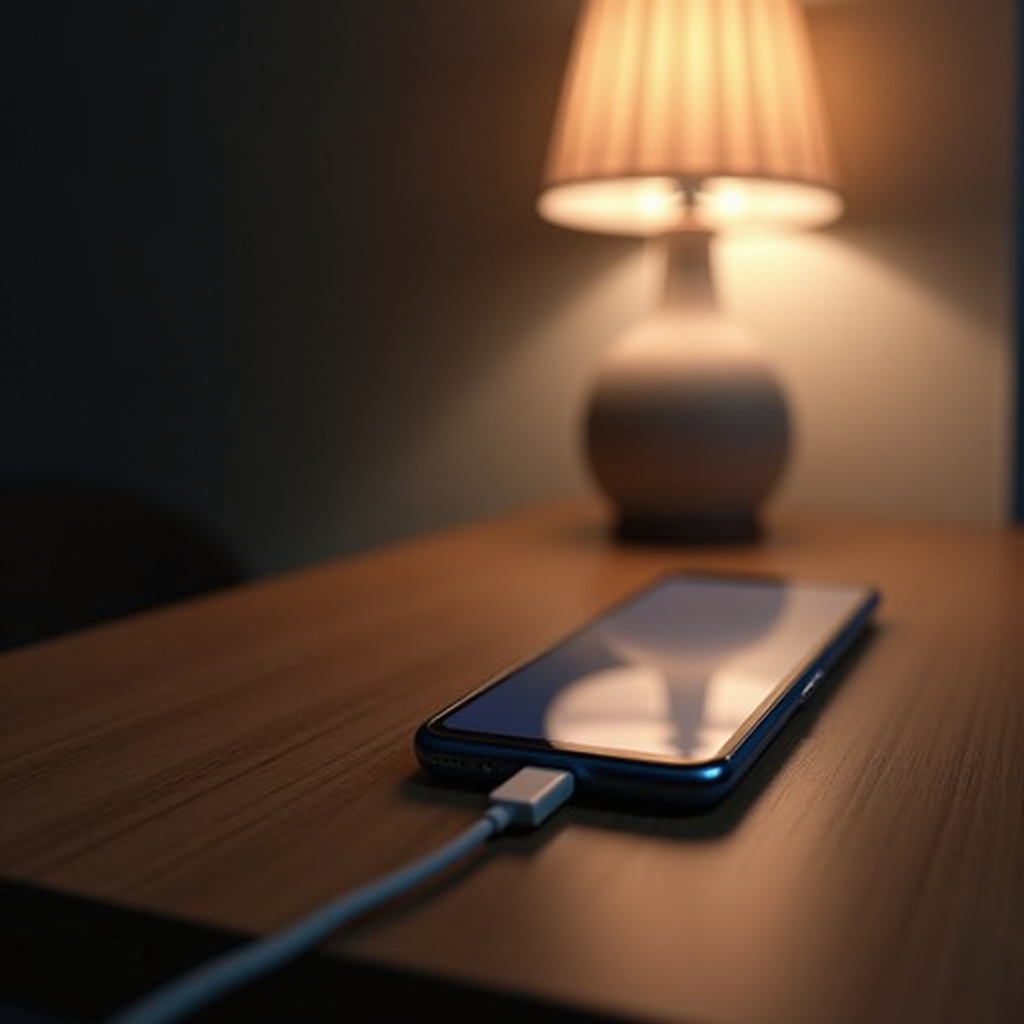
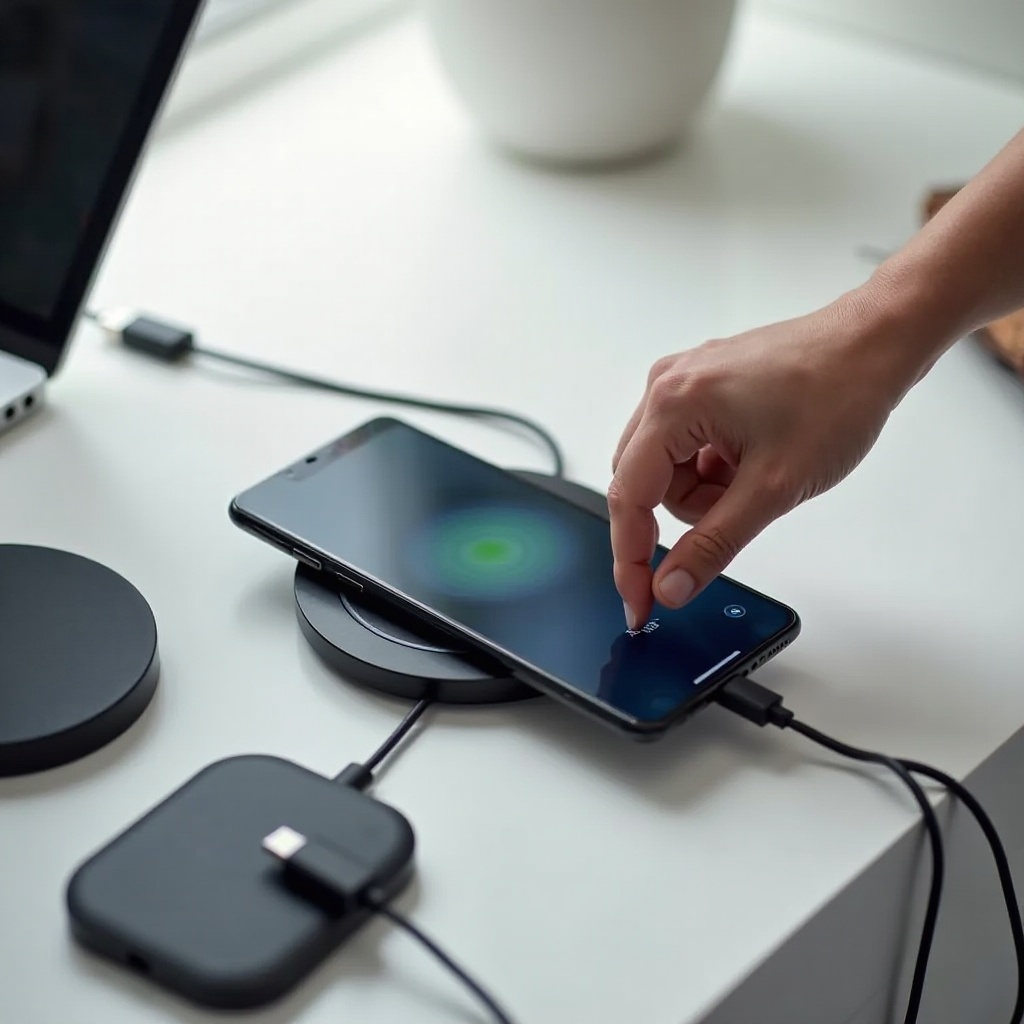
Wired vs. Wireless Charging: Using a USB-C cable for wired charging remains the most efficient, offering the fastest charge times. However, wireless charging provides convenience, though it’s slightly slower and can save wear on charging ports.
-
Fast Charging Explained: Many Samsung phones are equipped with fast charging, allowing for quicker power-ups. While convenient, frequent use can accelerate battery wear. Balance between fast and regular charging for optimal results.
Understanding these options will guide you to choose the right method based on your specific needs, preserving battery health while ensuring your phone stays charged.
Troubleshooting Common Charging Issues
Even with careful attention, charging problems can arise. Here’s how to diagnose and resolve them effectively:
-
Identifying Charging Problems: If your phone charges slowly or not at all, inspect the cable and adapter for visible damage or wear. Dust and debris in charging ports can also obstruct connections.
-
Solutions for Slow Charging: Clean the charging port using a toothpick or compressed air. Try restarting your phone or using a different cable and adapter. If issues persist, consider visiting an authorized Samsung service center for a battery health check.
Recognizing the root of the problem allows for a quick fix, minimizing downtime and maintaining device functionality.
How to Use Samsung’s Built-In Battery Features
Samsung phones include several native features that aid in battery management:
-
Battery Saver Mode: This mode conserves battery by reducing background processes and limiting performance, ideal when your battery is running low.
-
Adaptive Battery Settings: Employs AI to limit battery use by applications you rarely use, enhancing battery life based on your usage habits.
By making the most of these features, you can improve your phone’s battery efficiency, maximizing each charge.
Accessories and Gadgets for Efficient Charging
Using the right accessories enhances charging efficiency and security:
-
Samsung-Certified Chargers: Always opt for Samsung-approved chargers to ensure compatibility and safety. They are specifically engineered to match your device’s battery requirements.
-
Portable Chargers: Perfect for on-the-go power, these devices keep your phone charged away from outlets. Choose power banks with sufficient capacity and Samsung compatibility for best results.
Quality accessories contribute to a better charging experience and prolong your phone’s lifespan.
Conclusion
Charging your Samsung phone efficiently is crucial for maintaining its health and performance. By understanding battery science, adopting best practices, and utilizing quality accessories, you can ensure longevity and reliability. With these insights, you’re well-prepared to tackle any charging challenges you might face.
Frequently Asked Questions
How often should I fully charge my Samsung phone?
It’s best to keep your phone’s charge level between 20% and 80% to extend battery lifespan. Full charges are unnecessary and can lead to wear over time.
Can I use any charger with my Samsung phone?
For optimal performance and safety, it’s recommended to use Samsung-certified chargers. Third-party chargers may not adhere to specifications, risking damage or inefficient charging.
Does fast charging damage my Samsung battery over time?
Occasional fast charging is fine, but frequent use can lead to faster battery wear. It’s best to balance fast charging with standard charging to extend battery health.