Navigating the world of gaming peripherals can be confusing, especially when trying to optimize your Steam Deck experience. This guide aims to simplify that task by helping you choose the best wireless keyboard and mouse to enhance your handheld gaming console.
Introduction
The Steam Deck has transformed handheld gaming by offering high performance on the go. To make the most of its capabilities, many gamers are investing in wireless peripherals that provide ease of use without the constraints of cords. Whether you’re typing a quick message or navigating intricate in-game menus, the right wireless keyboard and mouse can enhance your overall experience.
Advantages of Using Wireless Peripherals with Steam Deck
Wireless peripherals offer significant improvements to your gaming setup by providing flexibility and convenience. Without cords, you have the freedom to find the most comfortable position for gaming, which reduces strain on your hands and wrists. Moreover, wireless devices help keep your gaming area clutter-free, perfect for a portable gaming setup.
Key Features to Look for in Wireless Keyboards
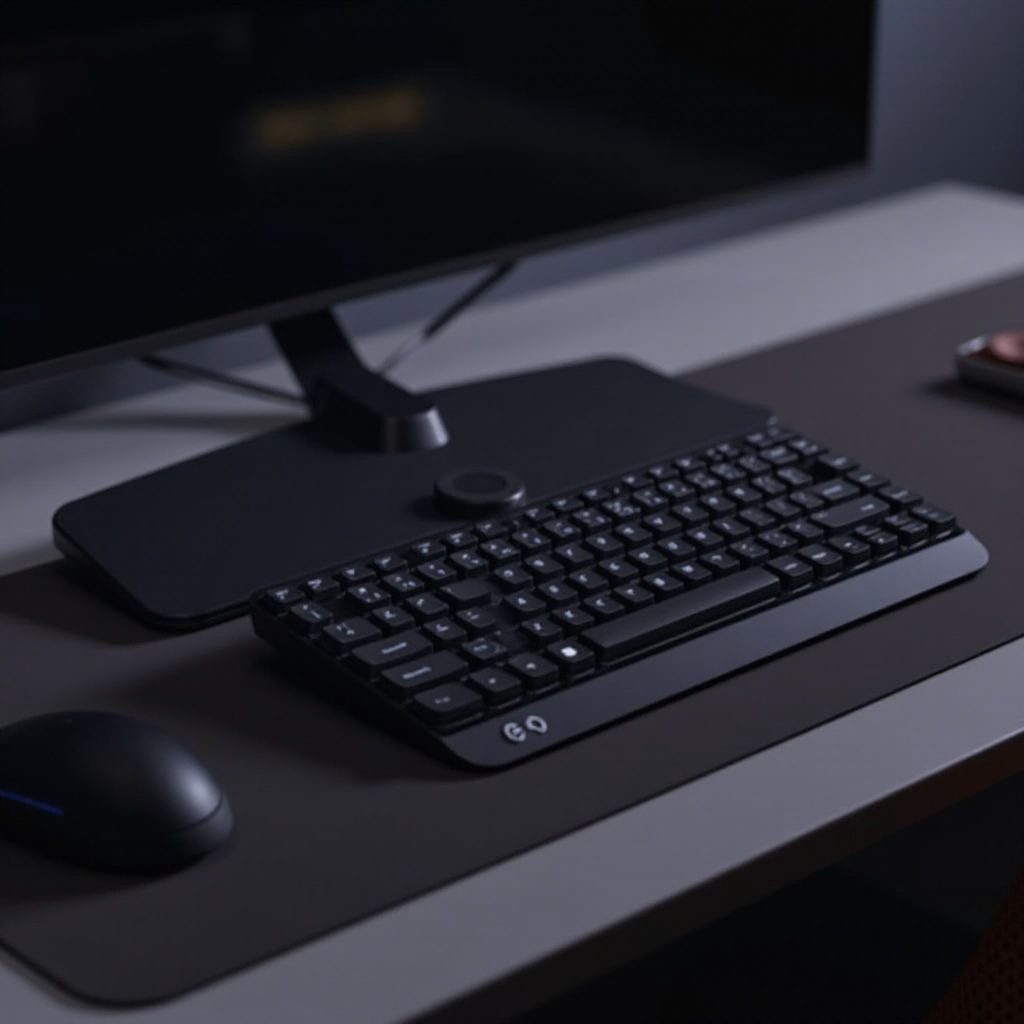
When searching for the perfect wireless keyboard for your Steam Deck, there are several features to consider:
- Ergonomics and Portability: Aim for compact, lightweight designs that you can easily transport with your Steam Deck.
- Battery Life and Charging Options: Opt for keyboards with long battery life and efficient charging, like those utilizing USB-C ports.
- Connectivity Options and Compatibility: Ensure the keyboard supports Bluetooth, the primary connectivity method for the Steam Deck, for easy pairing and stable use.
Transitioning from keyboards to mice, understanding key features is essential for selecting the right device to complement your setup.
Top Wireless Keyboards for Steam Deck in 2024
Consider these standout models for the year:
-
Logitech K380: Compact and Versatile
Known for its compact size, multi-device connectivity, and excellent battery life, the Logitech K380 is a favorite among gamers. -
Keychron K2: Mechanical and Customizable
If you seek the tactile feel of mechanical keys, the Keychron K2 provides customization options for lighting and keycaps, taking personal preferences into account. -
Microsoft Surface Keyboard: Sleek and Professional
This model combines elegance with a comfortable typing experience, thanks to its low-profile keys and reliable battery performance.
Choosing a mouse is just as crucial for enhancing your Steam Deck experience, focusing on functionality and form factor.
Key Features to Look for in Wireless Mice
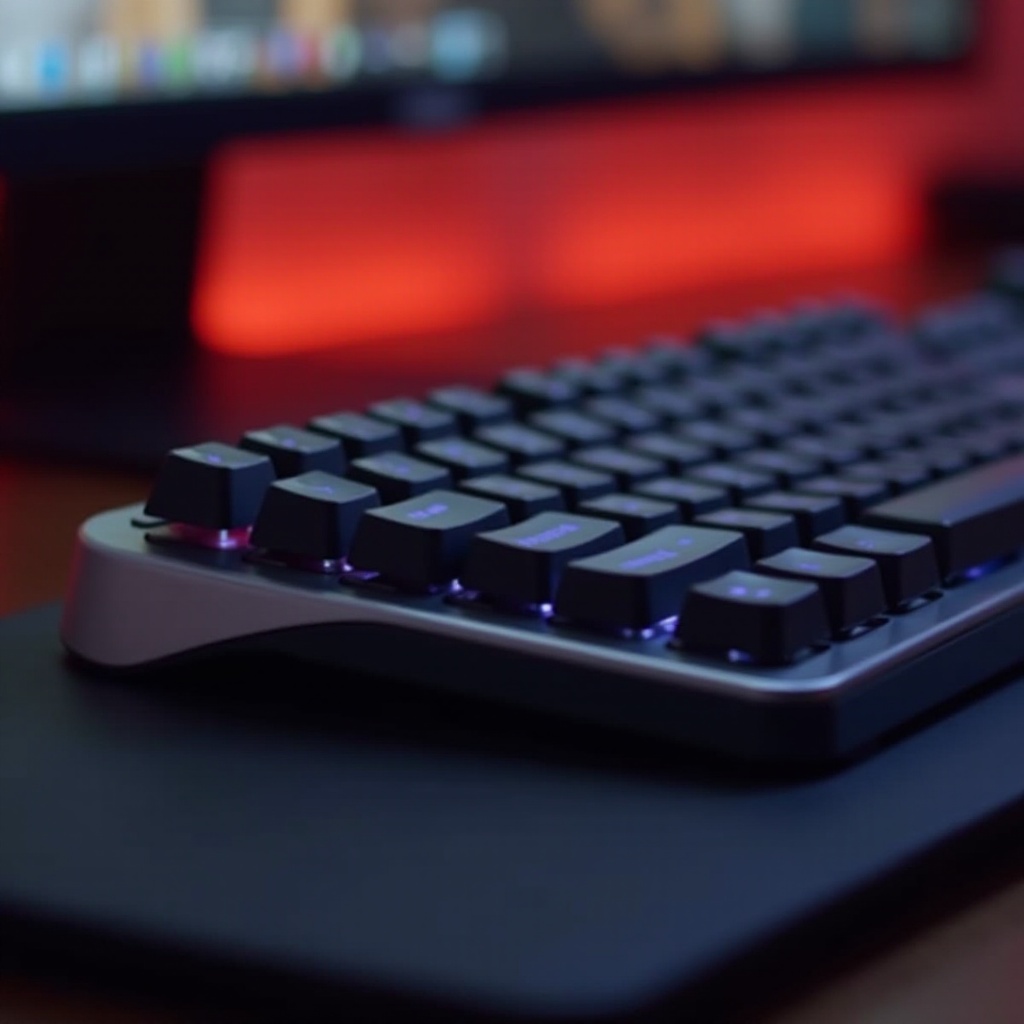
When selecting a mouse to accompany your Steam Deck, it’s important to consider:
- DPI and Sensitivity: Look for adjustable DPI settings so you can customize sensitivity according to your game needs.
- Ergonomics and Comfort: Keep in mind the importance of ergonomic designs that reduce hand strain during extended sessions.
- Button Configuration and Customization: Extra programmable buttons provide ease for in-game commands and shortcuts, simplifying gameplay.
Top Wireless Mice for Steam Deck in 2024
These top mice are ideal options for your Steam Deck:
-
Razer Orochi V2: Lightweight and Portable
Designed for gaming on the go, the Razer Orochi V2 stands out for its impressive battery life and precision tracking. -
Logitech G Pro X: Professional Level Precision
Tailored for esports, this mouse ensures high responsiveness and customizable features for both competitive shots and casual use. -
SteelSeries Rival 3: Affordable High Performance
Offering excellent performance without a considerable price tag, the SteelSeries Rival 3 is a great pick for budget-conscious gamers.
Transitioning from selection to setup, understanding how to connect and troubleshoot is crucial for a seamless experience.
How to Set Up Wireless Devices with Your Steam Deck
Connecting your wireless peripherals is typically straightforward but requires careful steps:
-
Pairing and Connectivity Steps:
a. Power on your wireless devices.
b. Navigate to Steam Deck’s Bluetooth settings.
c. Put devices in pairing mode and select them on the Steam Deck. -
Common Troubleshooting Tips:
- Ensure devices are charged.
- Keep firmware updated for optimal performance.
- Restart devices and Steam Deck if issues arise.

Conclusion
Selecting the right wireless keyboard and mouse can significantly bolster your Steam Deck experience, providing the portability and comfort needed for lengthy gaming sessions. By considering factors such as ergonomics, battery life, and connectivity, you’re well-equipped to enhance your gaming setup.
Frequently Asked Questions
Can I use any wireless keyboard and mouse with the Steam Deck?
Most Bluetooth-enabled devices should work, but check compatibility with Steam Deck connectivity options.
How do I ensure optimal battery life for my wireless peripherals?
Regularly charge devices, disconnect when not in use, and adjust for power saving modes if available.
Are there latency issues with wireless keyboards and mice for gaming?
Modern wireless peripherals generally offer low-latency solutions suitable for competitive gaming. Check reviews for specifics.