Introduction
Building a PC is an exciting and rewarding challenge. Managing noise levels effectively is crucial for enhancing your computing experience. A proper cooling solution plays a vital role in achieving this balance. All-in-One (AIO) CPU coolers have gained popularity for balancing high performance, sleek aesthetics, and low noise production. They are the go-to choice for those seeking a quiet PC build that doesn’t compromise on power.

What is an AIO CPU Cooler?
An AIO CPU cooler is a self-contained liquid cooling system designed to efficiently manage a processor’s temperature. It features a loop system comprising a pump, connected hoses, a radiator, and fans, all working together seamlessly. Unlike traditional air coolers, which rely solely on air movement, AIO coolers use liquid to dissipate heat, effectively balancing performance and noise reduction. Their closed-loop design ensures minimal maintenance and easy installation, making them a favorite among DIY builders. With superior cooling capabilities and reduced noise output, AIO coolers provide an excellent alternative to traditional air cooling solutions, especially for high-performance tasks and overclocked systems.
Key Features of Quiet AIO CPU Coolers
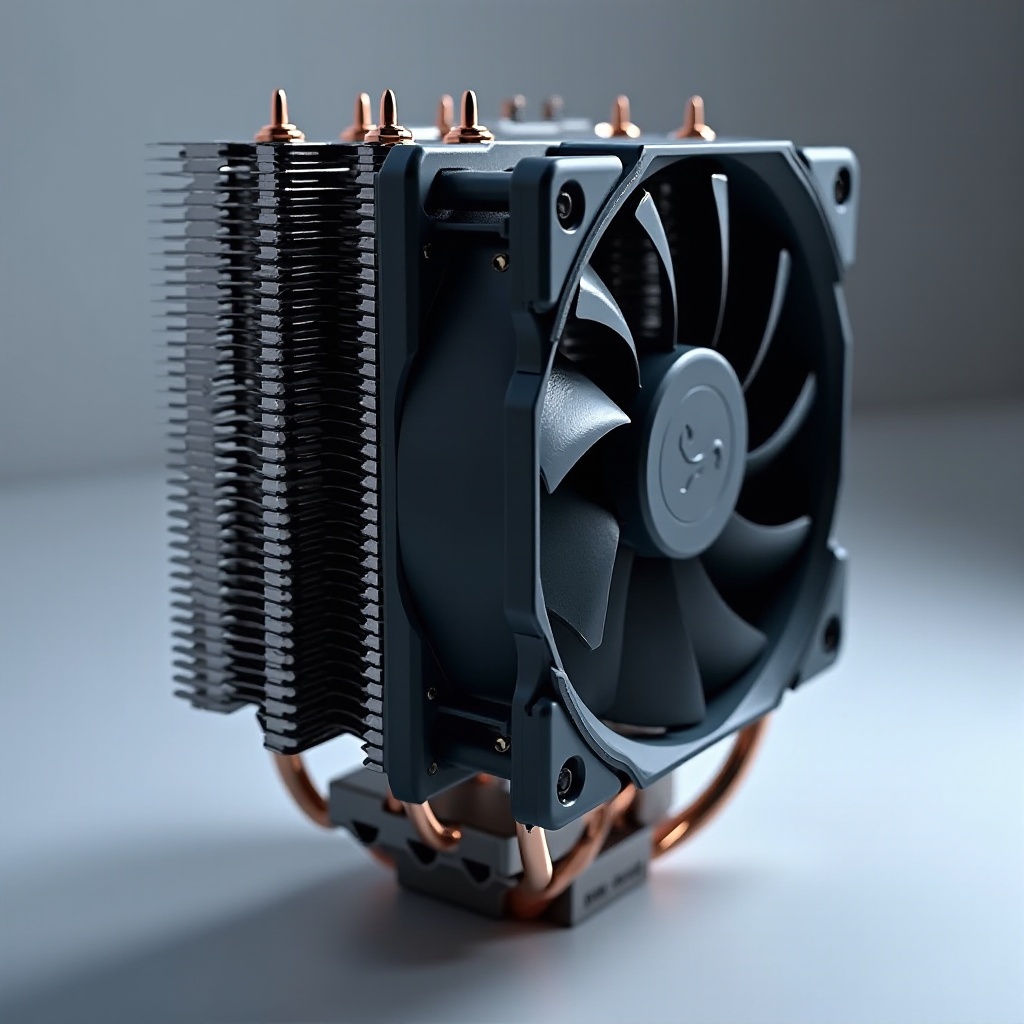
When selecting an AIO cooler with quiet operation as a priority, several features come into play. First, focus on the fans’ technology—many modern AIO coolers are equipped with PWM (Pulse Width Modulation) fans. These fans offer variable speeds, allowing them to adjust according to cooling demands, reducing unnecessary noise. Opt for fans that feature aerodynamic designs for quieter operations.
Secondly, the pump plays a crucial role in noise generation. Most high-quality AIO coolers utilize pumps with ceramic or magnetic bearings that ensure silent and reliable operation. A good pump minimizes vibrations, which can significantly contribute to unwanted noise. Look for models that highlight these efficient pump technologies in their specifications.
Thermal performance, while indirectly related to noise, is critical. A cooler that can effectively manage heat dissipation with well-engineered radiators and quality materials will perform its cooling tasks quietly. A cooler’s design that facilitates efficient heat transfer can often afford to run at lower settings, thus reducing noise levels further. By focusing on these key features, PC builders can select AIO coolers that not only perform well but maintain the quiet operation necessary for an optimal environment.
Top Quiet AIO CPU Coolers of 2024
Exploring the 2024 market, we find several standout AIO coolers renowned for their quiet operation and performance.
-
Cooler Model 1: This model is highly praised for its noise-canceling features, innovative fan blade designs, and silent pump operation. Its RGB lighting and easy installation make it a favorite among users looking for both performance and aesthetics.
-
Cooler Model 2: With a unique dual-chamber pump design, this cooler minimizes vibration and enhances cooling efficiency. Its extensive radiator surface area optimizes heat dissipation even in high-demand scenarios, maintaining silent operations.
-
Cooler Model 3: Known for its advanced thermal control capabilities, this cooler includes silent fans and comprehensive monitoring software, allowing users to adjust cooling settings as per their needs and maintain a quiet environment.
Each of these models excels in providing efficient cooling with minimal noise, catering to users with specific performance and silence requirements.
Installation Tips for Silent Operation
Proper installation of AIO coolers can significantly impact their noise levels. Follow these tips to ensure a silent operation:
-
Radiator Placement: Position the radiator in a way that maximizes airflow. Top or front mounting arrangements generally provide better cooling performance and noise reduction.
-
Fan Settings: Adjust fan curves using your motherboard’s BIOS or dedicated cooling software. Custom fan curves can maintain low speeds during idle or less demanding tasks, reducing noise substantially.
-
Cable Management: Tidy cabling prevents airflow obstructions, which can inadvertently increase noise levels. Ensuring that cables do not interfere with the cooler’s operation helps maintain its efficiency silently.
Following these steps ensures that your AIO cooler runs efficiently with low noise, achieving the desired balance in your PC build.
Maintenance to Keep Your AIO Cooler Quiet
Even though AIO coolers are largely maintenance-free, occasional upkeep maximizes their performance and extends their lifespan.
-
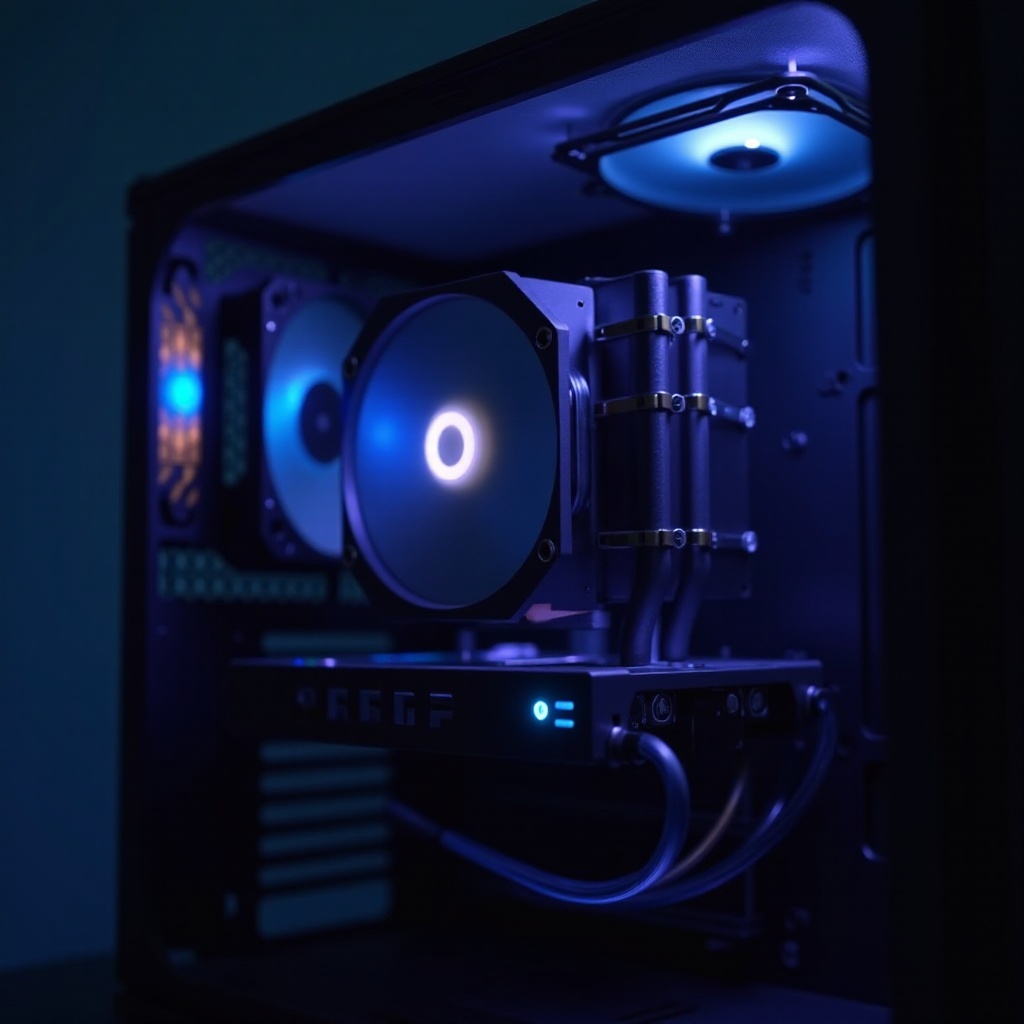
Regular Cleaning: Dust accumulation is a common issue that affects fan performance and increases noise. Use compressed air to clean the radiator and fans thoroughly, preventing any potential noise-inducing blockages.
-
Monitoring System: Utilize monitoring software to keep an eye on your cooler’s performance metrics. This software can alert you to significant changes in temperature or pump speed that may indicate underlying issues needing attention.
These maintenance practices ensure that your AIO cooler continues to operate quietly, preserving its efficient performance over time.
Conclusion
Choosing a quiet AIO CPU cooler is essential for optimizing both the performance and peacefulness of your PC build. Understanding key features, reviewing top models, and following comprehensive installation and maintenance guidelines ensure users can enjoy a powerful, tranquil computing experience.
Frequently Asked Questions
What makes an AIO cooler quieter than other types of CPU coolers?
AIO coolers feature advanced fan designs and precision pumps that reduce the need for high-speed fan operation, hence lowering noise levels.
How often should I maintain my AIO cooler to ensure it remains quiet?
Clean your cooler every few months, depending on dust accumulation, and regularly check monitoring software for performance issues.
Are there any additional accessories I can use to make my AIO cooler quieter?
Consider using sound-dampening materials or rubber mounts to minimize vibration transmission, further reducing operational noise.