Introduction
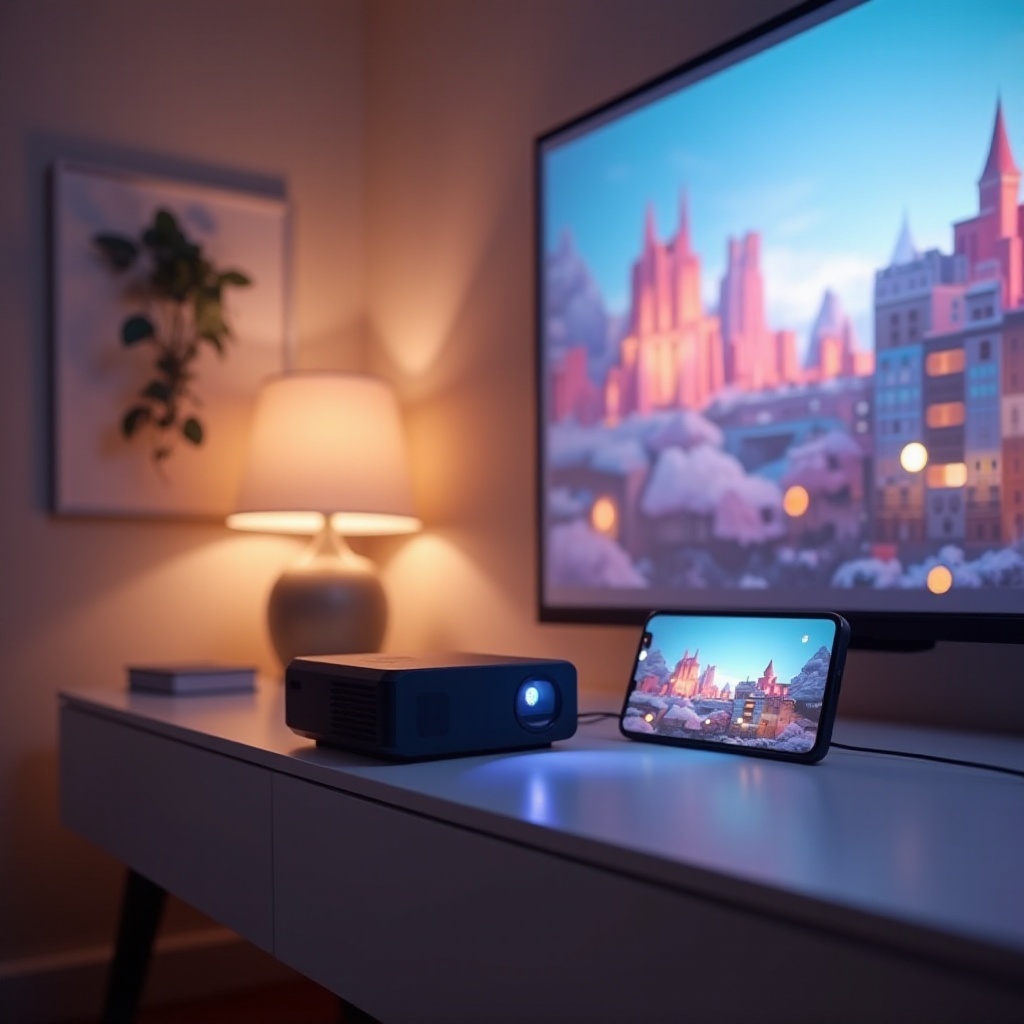
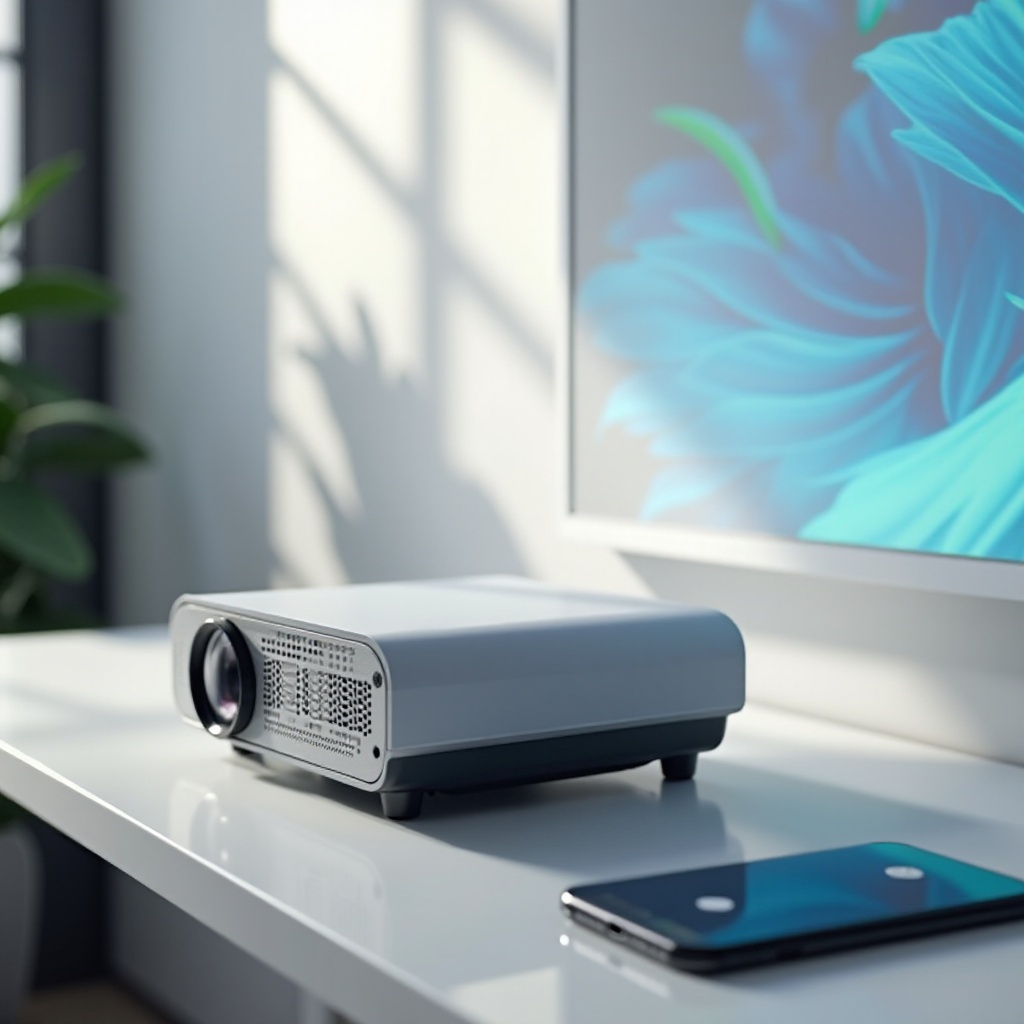
Seeking a more immersive and flexible viewing experience on your iPhone? Small projectors are the perfect solution, offering the capability to transform your mobile device into a portable cinema or presentation tool. Whether it’s for sharing photos, presenting work materials, or enjoying a movie night, these compact projectors offer the versatility and convenience you need.
Why Invest in a Small Projector for Your iPhone?
Small projectors enhance your iPhone experience significantly:
-
Enhanced Viewing Experience: Enjoy your favorite content on a larger screen, offering clarity and immersion far beyond your iPhone’s display.
-
Portability and Convenience: Lightweight and compact, small projectors fit easily into bags and suitcases, ideal for travel and outdoor use.
-
Versatile Environment Use: Whether for a backyard movie night, a business presentation, or an educational setting, these projectors provide unmatched flexibility.
As you can see, the benefits are clear. Yet, choosing the right projector requires understanding some key features that affect performance and satisfaction.
Key Features to Consider When Choosing a Small Projector
Here are the features that should top your list when choosing a projector:
-
Resolution and Image Quality: Opt for projectors with at least 720p resolution for sharp images, though 1080p is preferable for the best viewing experience.
-
Connectivity and Compatibility: Ensure compatibility with iPhones through wireless options like AirPlay or through direct connections using HDMI adapters, plus Bluetooth for audio.
-
Battery Life and Portability: Longer battery life equals longer viewing without recharging. Compact size is a must for ease of transport.
With these features in focus, you can identify a small projector that suits your specific needs. That said, let’s explore the top-rated models available in 2024.
Top Small Projectors for iPhone in 2024
Discover the leading options for this year:
-
Anker Nebula Capsule III: Offers superb image quality with extended battery life and an intuitive app interface, making it highly favored for both play and work.
-
Kodak Luma 450: Known for bright, vivid projections and ultra-portability, it’s a versatile choice for diverse environments from backyards to boardrooms.
-
ViewSonic M2e: Provides instant on-and-play capabilities with excellent app support, perfect for immediate entertainment or presentations.
-
LG PF50KA: Balances impressive full HD projection and robust connection options, an ideal pick for anyone needing quality and functionality.
After choosing your ideal model, understanding how to connect it quickly and easily to your iPhone is crucial for immediate use.
How to Connect and Set Up Your iPhone with a Projector
Here is a simple guide to get you started:
- Check Compatibility: Verify that your projector can connect with your iPhone via AirPlay, Bluetooth, or HDMI connections.
- Choose a Connection Method:
- For Wireless Setup: Utilize AirPlay if available.
- For Wired Setup: Employ a Lightning to HDMI adapter.
- Establish the Connection:
- Using AirPlay, ensure both devices are on the same network, then select the projector via the AirPlay menu.
- Using HDMI, connect with the adapter and select the correct input on the projector.
- Conduct a Test: Play a video or image to ensure optimal functionality.
Proper setup ensures you can make the most of your projector immediately. To maximize performance and usability, consider these best practices.
Best Practices for Optimal Use of Your Small Projector
Follow these tips for the best experience:
-
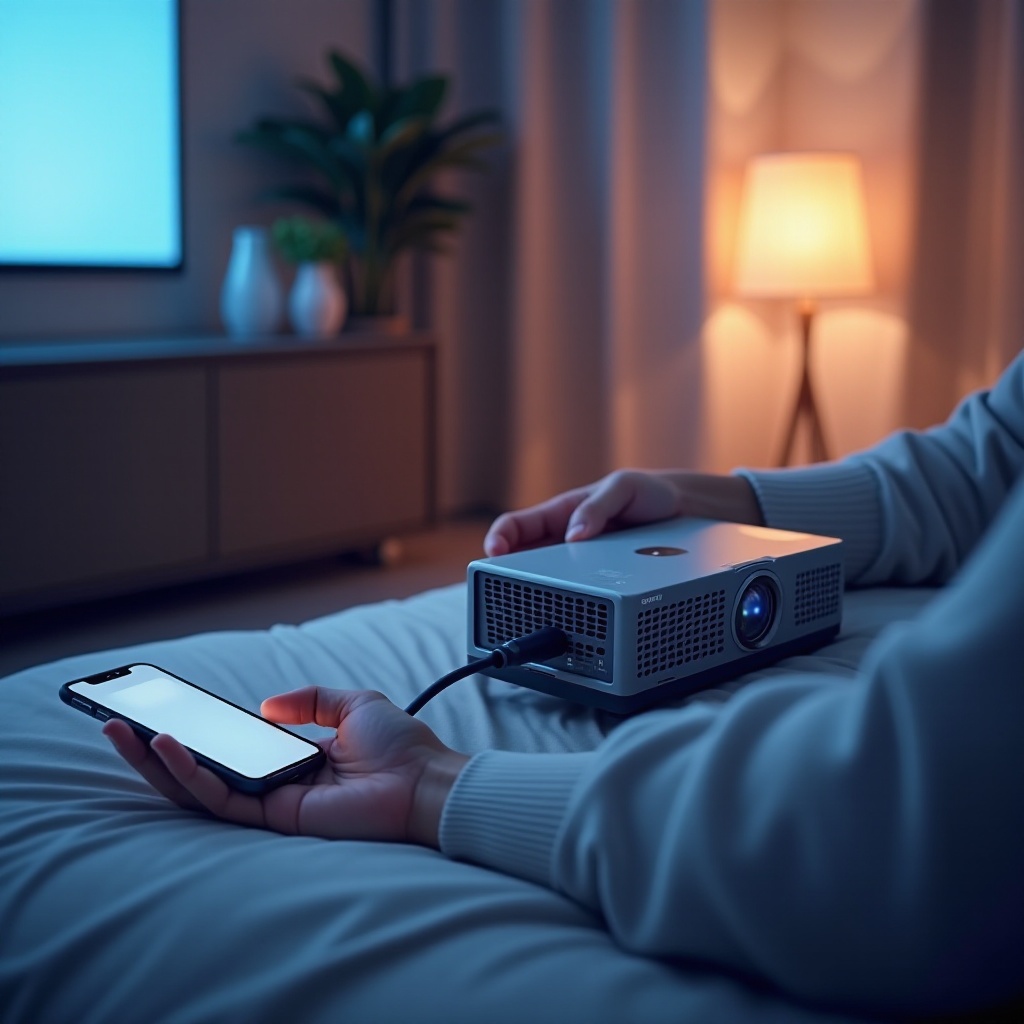
Calibration and Setup Tips: Align the projector correctly with the viewing surface, adjusting settings like focus and keystone for the best image.
-
Recommended Apps and Media: For the best picture quality, use high-resolution apps; popular ones include Netflix, Hulu, and other major streaming services.
By implementing these tips, you can enjoy a superior viewing experience tailored to any setting.
Conclusion
Choosing the right small projector for your iPhone can undoubtedly elevate your visual experience, providing an excellent blend of flexibility and quality. Whether watching a blockbuster, showing photos to friends, or giving a presentation, a small projector can truly transform your mobile device into an all-encompassing media hub.
Frequently Asked Questions
Can I use a small projector with older iPhone models?
Yes, most projectors are compatible with older iPhones. You might need specific adapters, such as a Lightning to HDMI connection.
What is the optimal distance for projecting from an iPhone?
The best distance varies by projector model, but generally, 3-12 feet is ideal for clear images.
How can I enhance audio output from my small projector?
To improve audio, consider using external speakers connected via Bluetooth or a 3.5mm audio cable.